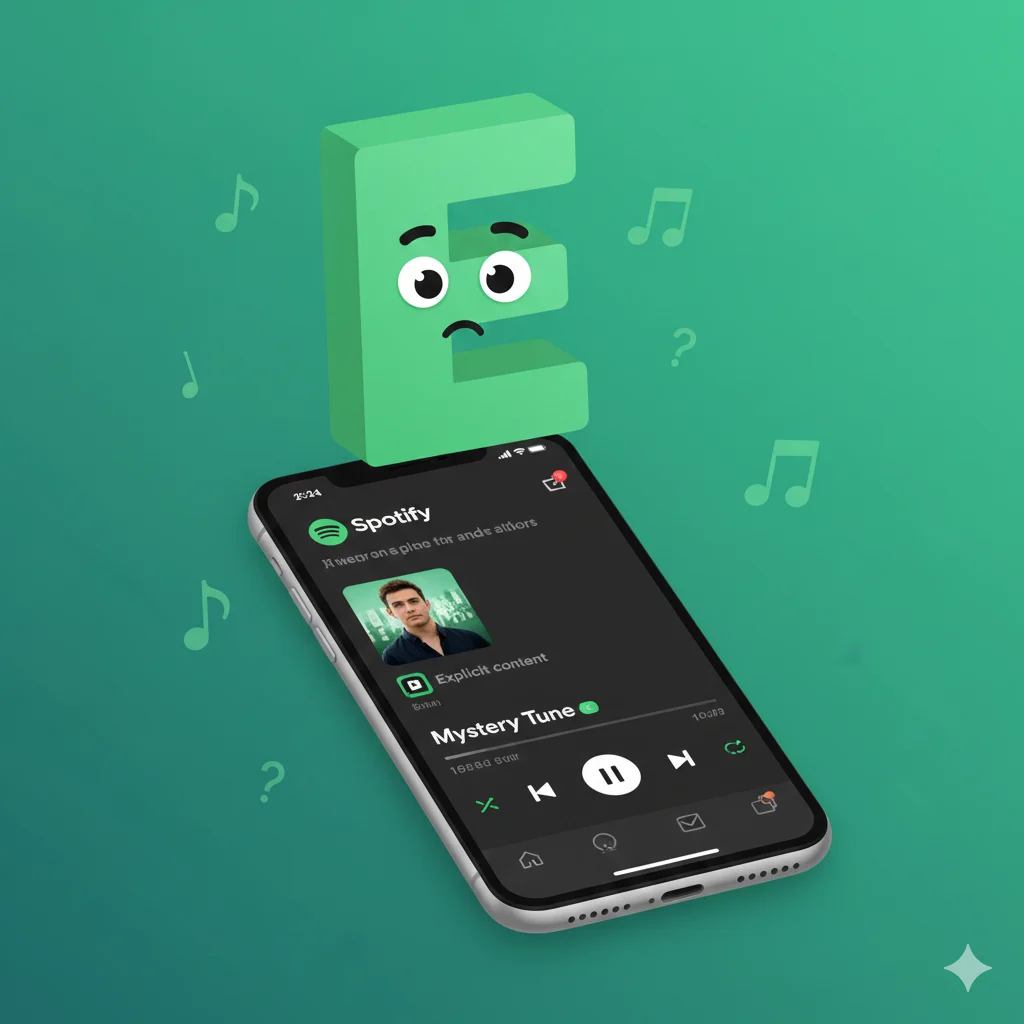
The (E) next to a song or album on Spotify does not stand for a slang word. It is an Explicit Content label, warning listeners that the track contains strong language or mature themes
Ever been vibing to your Discover Weekly, scanning through a playlist, or checking out an artist’s page when your eyes catch it? A tiny, mysterious (E) in parentheses, sitting quietly next to a song or album title like a secret code. If you’re a Gen Z or millennial native to the world of texting slang, your brain might have instantly raced through the possibilities: “E” for “everyone”? “Ecstatic”? The laughing emoji? 😄 Or maybe something more cryptic from gaming chat? I remember the first time I saw it, I paused mid-scroll, wondering if it was some new, hyper-niche curation tag or a badge for “Editor’s Pick.” The truth is much simpler, and honestly, more important for your listening experience. In the language of Spotify, (E) has nothing to do with text slang—it’s all about content.
In short: (E) = Explicit Content Label = This track has profanity or adult themes.
🧠 What Does the (E) Mean on Spotify?
Let’s clear this up immediately. The (E) you see on Spotify is not an acronym for a slang term like “lol” or “fr.” It is a content advisory label that stands for Explicit. This label is applied by the music rights holders (like the record label or artist themselves) to indicate that the song’s audio contains strong language, references to violence, sexually suggestive content, or other mature themes.
Think of it like the parental guidance warnings you see on movies (PG, PG-13, R). The (E) is Spotify’s way of giving you a heads-up before you press play, especially useful if you’re listening in a shared space, with kids around, or if you simply prefer to avoid explicit content. It’s a standard practice across the music industry, used on other platforms like Apple Music, iTunes, and even physical album packaging.
In short: (E) = Explicit Content = “This song contains uncensored language or themes.”
📱 Where Is the (E) Label Commonly Seen?
You’ll spot the (E) badge in several places within the Spotify app. It’s not hidden; it’s part of the official metadata for a track, just like the song title or artist name.
- 🎵 Next to Song Titles: In playlists, albums, your “Liked Songs,” and search results.
- 💿 On Album Pages: On an album’s tracklist, it will appear next to individual songs. Sometimes, the entire album may be marked as explicit.
- 📱 On the “Now Playing” Screen: When a song is playing, the (E) icon often appears near the title at the bottom of your screen.
- 🔍 In Search & Browse: When exploring new music, the label helps you make informed choices.
Is it formal or casual? This isn’t about communication tone. The (E) label is a formal, standardized content warning. It’s a functional piece of information, not social-media-style slang.
💬 Examples of Explicit vs. Clean Tracks in Practice
Since it’s not a conversational slang, here’s how you might encounter the (E) label in action, compared to its counterpart, the Clean version (often marked with a (C) or no label at all).
Scenario 1: Adding a Song to a Party Playlist
- You: “Let me add ‘HUMBLE.’ by Kendrick Lamar to the queue.”
- Spotify Shows: “HUMBLE. (E)”
- Meaning: The explicit album version with the original lyrics will play.
Scenario 2: Playing Music Around Family
- You: “Alexa, play ‘Love The Way You Lie’ by Eminem and Rihanna on Spotify.”
- Spotify Might Play: The clean/edited version if your device or account settings restrict explicit content.
- The Explicit Version Would Show: “Love The Way You Lie (E)”
Scenario 3: Comparing Versions on an Album Page
text
Tracklist for "Album Title":
1. Hit Song (C)        [Clean, radio-friendly version]
2. Hit Song (E)        [Explicit, original artist version]
3. Another Track (E)
4. Chill Song          [No label, assumed clean]
🕓 When to Use and When to Avoid Explicit Content
Understanding the (E) label helps you control your listening environment. Here’s a quick guide:
✅ When Explicit (E) Tracks Are Fine:
- Personal Listening: With headphones on or in your private space.
- Curated Adult Playlists: For workouts, parties with friends, or personal enjoyment.
- Appreciating Artistic Expression: When you want to hear the song exactly as the artist intended.
❌ When You Might Want to Avoid (E) Tracks:
- Family Gatherings or with Young Kids.
- In Professional Settings: Like an office or a shared workspace.
- Public Places: On a speaker in a park or on public transport.
- If You Personally Prefer Clean Versions.
| Context | Example Playlist/Setting | Why the (E) Label Matters |
|---|---|---|
| Workout Session | High-Energy Rap Playlist | You can expect and are okay with explicit lyrics that match the intense vibe. |
| Road Trip with Kids | Family Sing-Along Playlist | You would actively want to avoid (E) tracks and might use Spotify’s explicit content filter. |
| Studying/Focus | Lo-Fi Beats Playlist | Most tracks here won’t have an (E) label, allowing for uninterrupted focus. |
| Artist Deep Dive | Exploring a hip-hop artist’s discography | The (E) labels help you understand which tracks contain their raw, unfiltered content. |
🔄 Similar Content Labels & Icons on Spotify
The (E) is part of a small family of icons that give you quick info about content. Here are some alternatives and related badges you might see:
| Icon / Label | Meaning | When You See It |
|---|---|---|
| (E) | Explicit | Song contains strong language or mature themes. |
| (C) or No Label | Clean | Edited version or song with no explicit content. |
| 🚫 (Blocked) | Unavailable | Song/greyed out due to licensing in your region. |
| 🎤 (Mic Icon) | Live Version | A recording of a song performed in concert. |
| 📀 (Disc Icon) | Album Version | The original studio recording of a track. |
🎛️ How to Manage Explicit Content on Spotify
Spotify gives you control. You can enable a setting to block explicit content.
- Go to Settings (the gear icon).
- Under Explicit Content, toggle “Allow Explicit Content” to off (green switch will disappear).
- This will filter out most tracks marked (E) from playlists, radios, and searches. Note: It’s not 100% perfect, as labeling is done by the rights holders.
❓ FAQs About the (E) on Spotify
Q: Does (E) mean the song is better or the original?
A: Often, yes. Many fans and artists consider the explicit version to be the authentic, intended piece of art. The clean version may use censoring “beeps” or altered lyrics.
Q: Can I turn off the (E) label?
A: No, you cannot hide the label itself. However, you can filter out explicit songs using the Explicit Content Block setting in your account.
Q: Why do some explicit songs not have the (E) label?
A: This is rare, but it can happen due to errors or delays in metadata tagging by the content provider. Spotify relies on the info given by music labels.
Q: Is there a difference between (E) and “Explicit Lyrics” warnings?
A: No, they mean the same thing. (E) is just the compact, visual symbol for “Explicit.”
Q: Does Spotify have other content ratings like movies?
A: Not in the same detailed way (PG, R). Spotify primarily uses the binary Explicit or Clean system.
🎶 The Bottom Line
So, the next time you spot that little (E) on Spotify, you can ditch the text-slang decoder ring. It’s not an “e” for “enthusiastic” or an inside joke. It’s a straightforward, industry-standard Explicit Content label—a small but useful tool for navigating the vast world of music with awareness. It empowers you to choose the right soundtrack for every moment, whether you’re seeking the raw, unfiltered energy of an artist’s original vision or a clean vibe for a chill family barbecue. Now you’re not just listening; you’re listening in the know. Happy streaming! 🎵

Mariah Cannon is an accomplished author and content creator, passionate about storytelling and delivering impactful messages. Through her writing, she explores themes of personal development, creativity, and the power of perspective. Her work is designed to motivate, inspire, and provide readers with practical insights for navigating life’s challenges while embracing growth and self-expression.